
A Day in the Life of a Code Club Leader
From "what even is Code Club?" to running one myself
I'll be honest. When a colleague first mentioned Code Club, I pictured something intimidating. Rows of kids typing furiously at screens while I frantically Googled how to explain what a variable is. The reality? Completely different. I wish someone had written me a little diary like this before I started, so let me take you along for a Code Club day.
Project Prep
My prep for today's session takes about 20 minutes in the morning. I head to the Code Club website and pick a project from the curriculum. The range is genuinely broad: Scratch animations, Python games, web design, even a bit of AI and machine learning. I choose something based on where my group is at and what feels right for the week. I like to lean into relevant themes and current events, so today we'll be working on Beat the Goalie, a Scratch football game, to celebrate the FIFA World Cup.

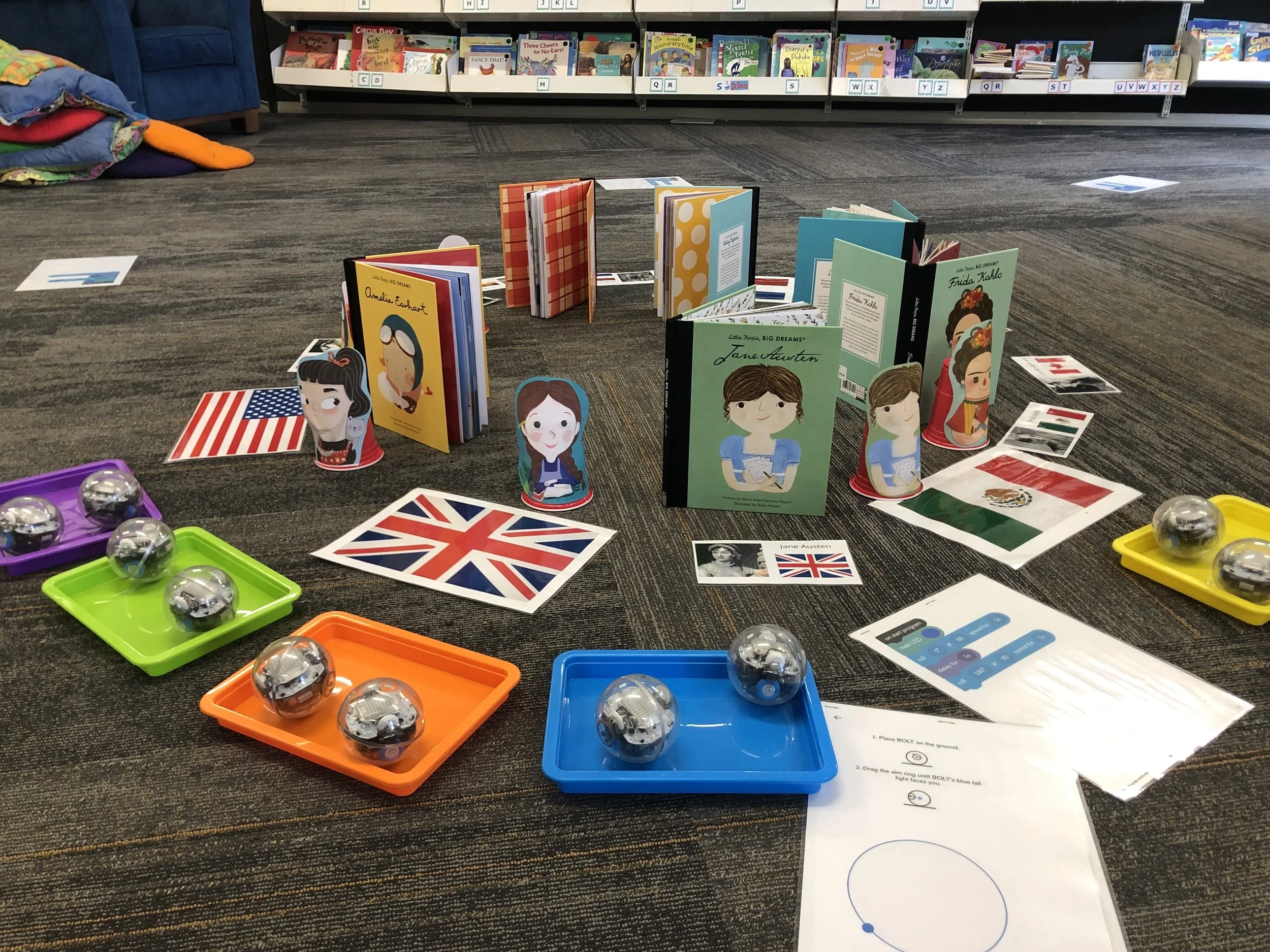
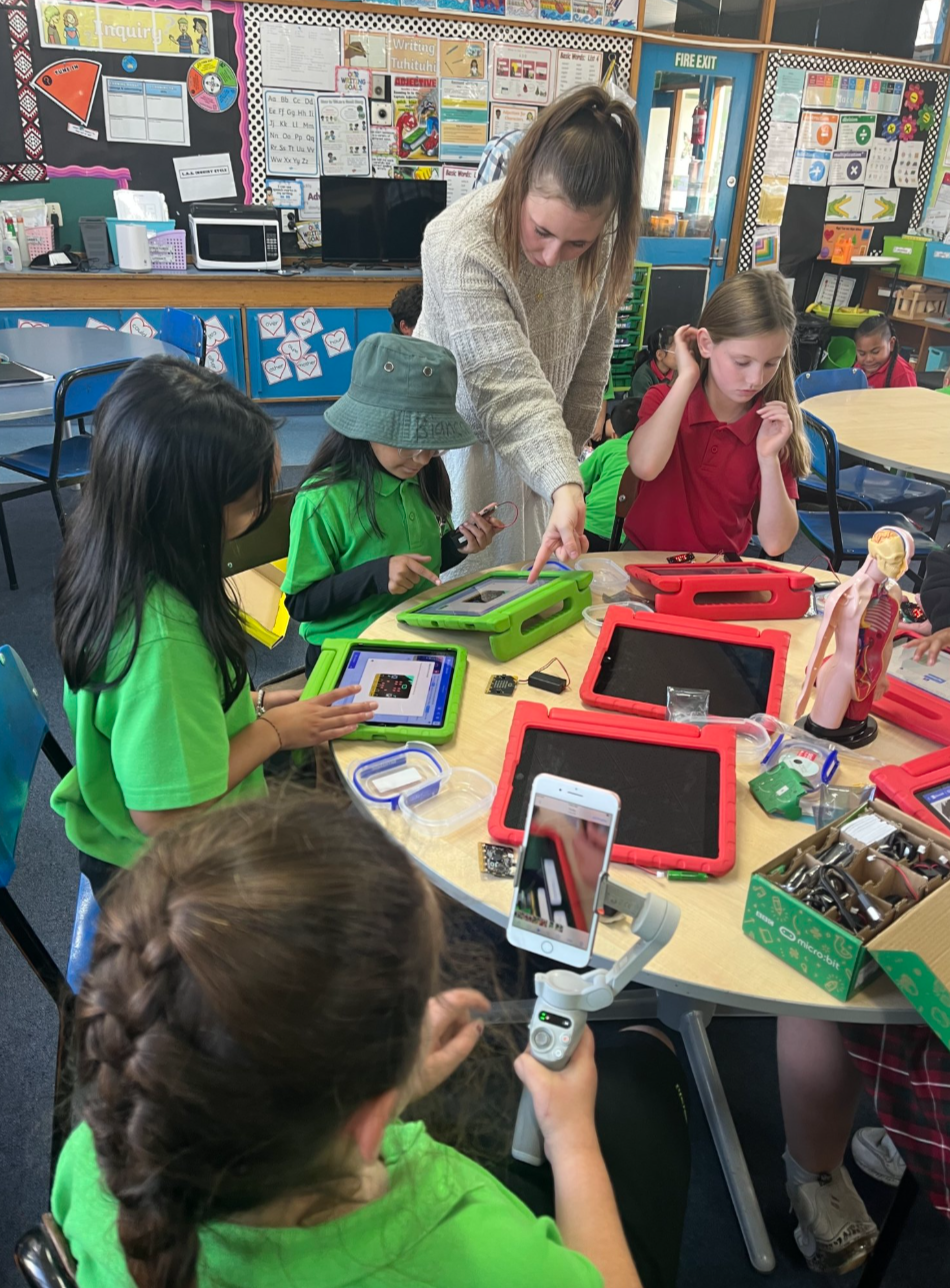
Our kura also has a little lending library of hardware, so if it's our turn with the micro:bits we'll work through the micro:bit path, or if I have the Sphero kit we'll choose an activity from the Digital Pīkau. There's really so much to choose from. The Code Club project guides span Scratch, Python, HTML, micro:bit and more, so whether your club is just getting started or ready for a new challenge, there's always something that fits. As a club leader, one of the best parts of the job is scrolling through the projects and finding the perfect fit for your group. You'll never be stuck for ideas!
Before the session
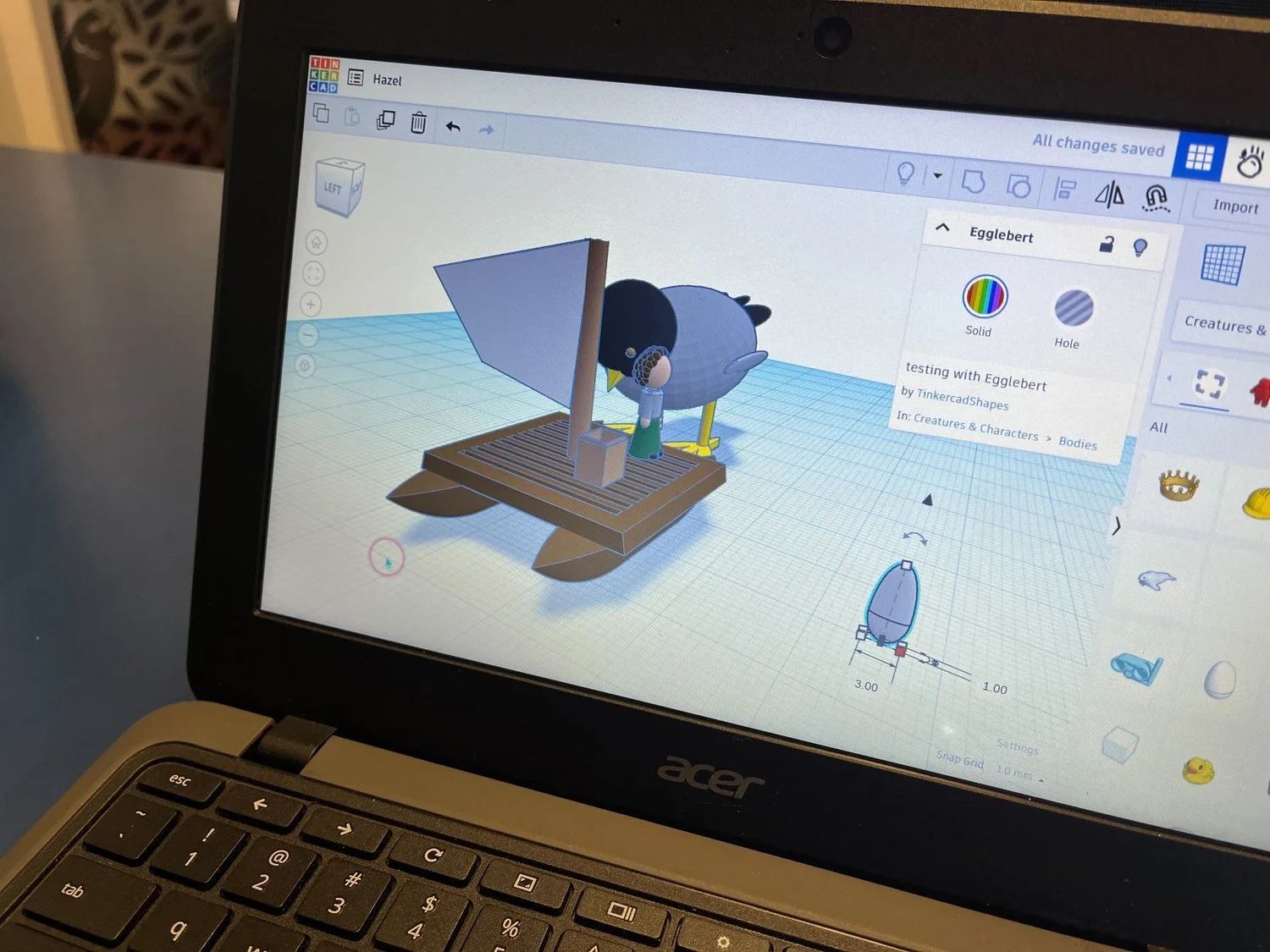
I arrive early to set up the laptops and check the internet connection. I hold off on having the project ready in the browser, because I want club members to navigate and sign in to Scratch themselves. It can slow things down a little, but it gets them used to using a laptop and helps them remember their login details, which makes things much smoother in following sessions and helps grow their digital literacy skills so it’s worthwhile.
I pull up the step-by-step guide on my own screen so I can refer to it easily. One of the things I appreciate about the Code Club curriculum is that the instructions are written for the kids. They're clear, visual and self-paced. You're not expected to be the expert on everything. You're more of a guide, there to step in when a young person needs help.
3.45pm: The session begins
Tamariki arrive in a rush. There's usually a student who wants to show me something they've been working on at home, which is always a good sign! The rest of the club members load the project guide and sign in to their Scratch accounts.
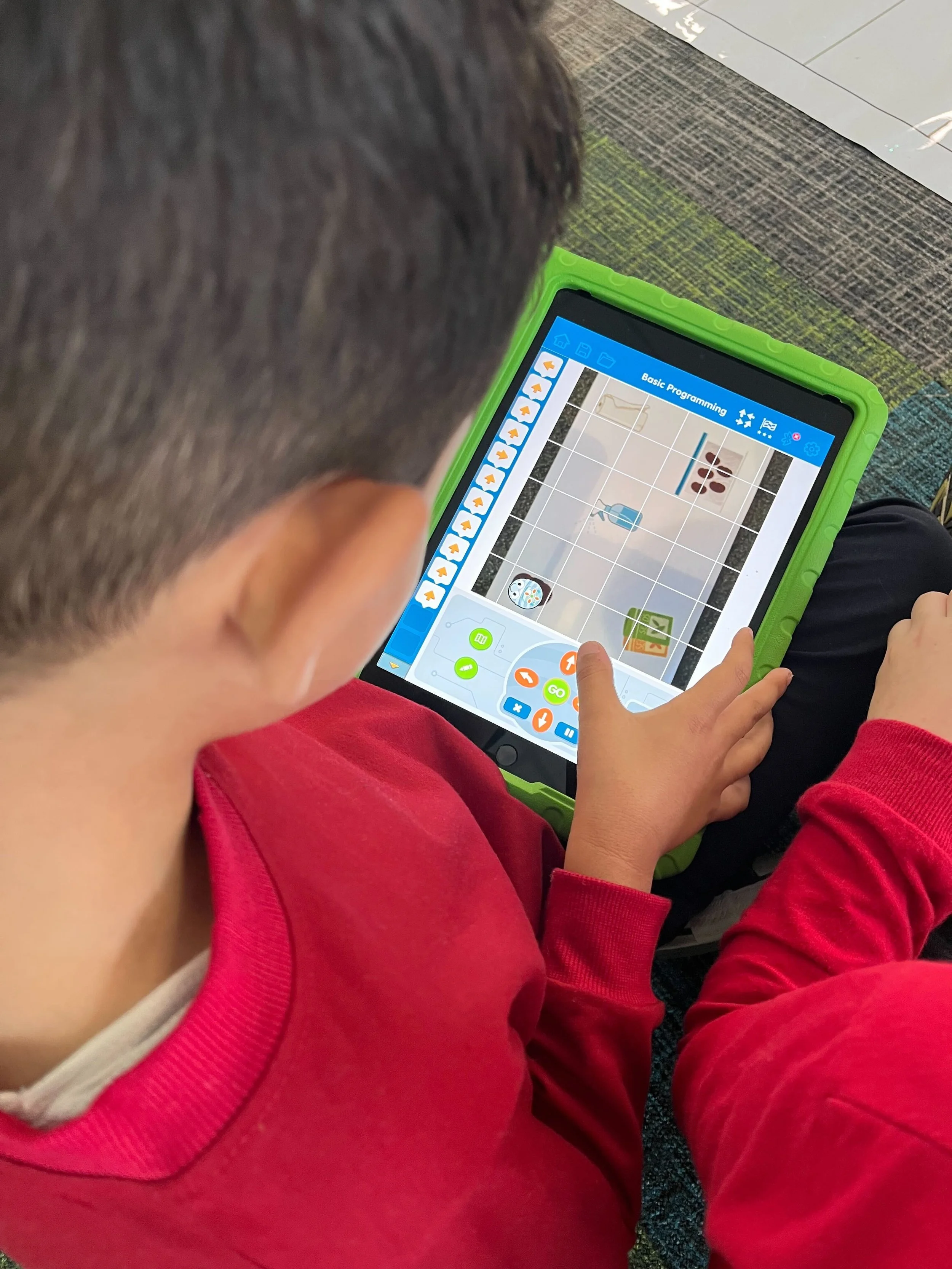
Today, we're making a football game in Scratch where you have to score as many goals as you can in 30 seconds. Some ākonga move through it quickly and start adding their own ideas before I've finished explaining. Others take a bit longer to get started, and that's completely fine. A lot of the project guides have extension activities built in, so faster finishers stay engaged and no one feels left behind.
My main job during the hour is to wander around, encourage and ask questions: “What do you think will happen if you change that number? How could you make your character do something different?” It's less about fixing things for them or doing the coding, and more about helping them think the task through and problem-solve the sticky parts.
By 4.40pm, we do a quick share around, and a few tamariki show the group what they made. There's always laughter at someone's personalised sprite, usually some sort of meme or viral character.
4.45pm: Time to pack up
Parents and caregivers arrive for pick-up, and a few students want to keep going. One asks if she can work on the game at home. She absolutely can, since all the projects are free, accessible online, and she was able to save her project to her Scratch account. This is exactly why it's important to remember those login details!
I make sure everyone has logged out and shut down their laptops before I start packing them away. A few students always stay behind to help, which I really appreciate and keeps the culture of the club a lovely place to be each week.
Total time this week: around one hour of delivery and 20 minutes of prep.
What I didn't expect
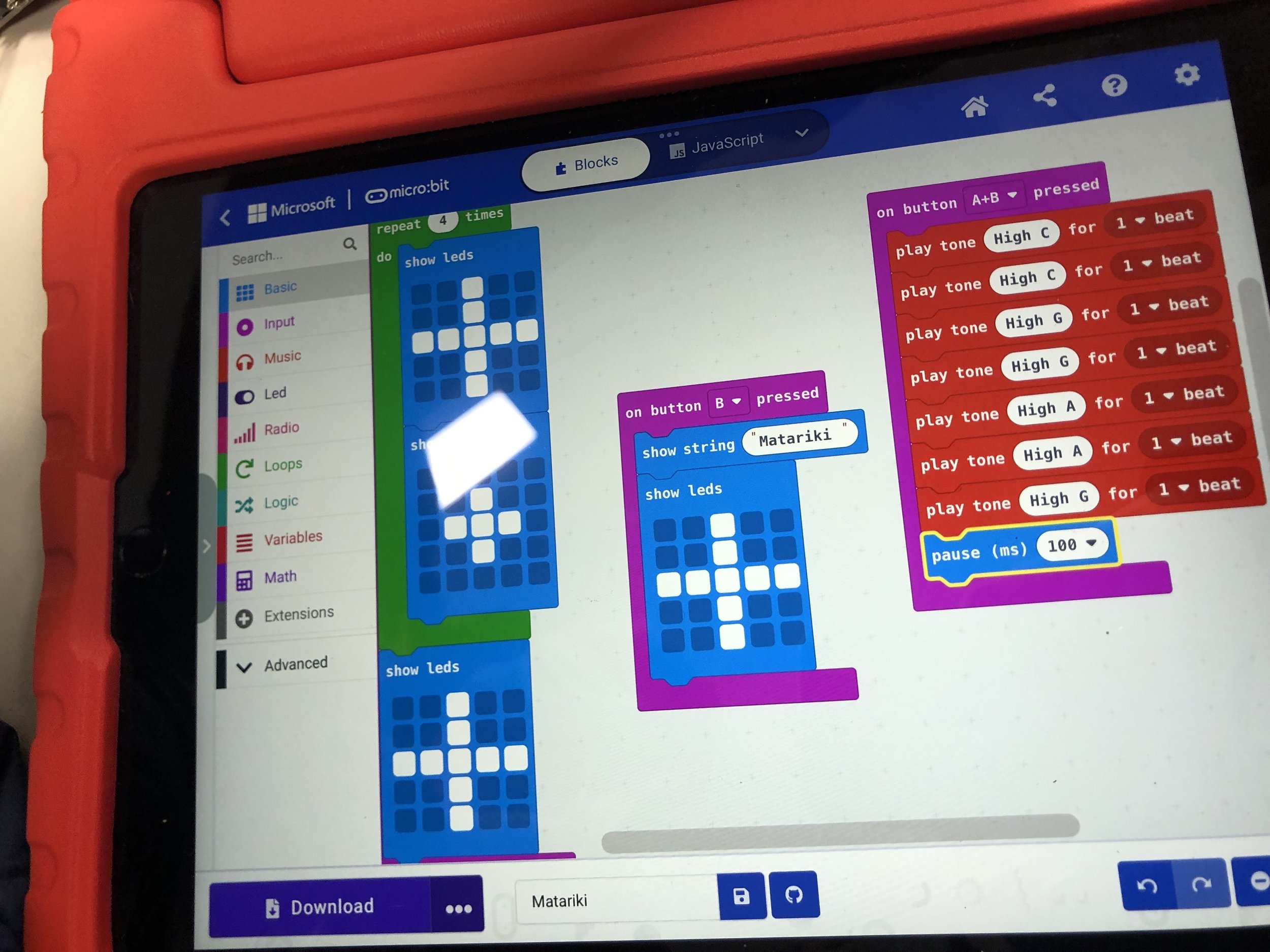
I didn't expect to find it so enjoyable. I teach full days, and I thought an after school club would feel like more of the same. But there's something about watching young people genuinely excited about something they built themselves that makes it completely worthwhile. No two projects ever look the same, even when everyone starts from the same guide. Tamariki put their own spin on everything, and that creativity is something you can't teach, you can only encourage.
I also didn't expect how flexible it would be. The Code Club curriculum is broad enough that you can follow it closely or use it as a springboard. Some weeks things go in a different direction because a student had a great idea and the group ran with it.
You don't need to be a coding expert! You just need to be willing to learn alongside your tamariki.
Thinking about starting a Code Club?
If you're a kaiako or librarian wondering whether this could work in your school or community, it's worth looking into. Code Club Aotearoa supports you every step of the way, with a full curriculum, ready-made resources and a community of club leaders across the motu to connect with.
Register your interest at codeclub.nz and find out how to get started. We'd love to see a Code Club in every school, kura and library across Aotearoa.