Navigating the Cluster with Code

Platform
Digital Technologies Progress Outcomes
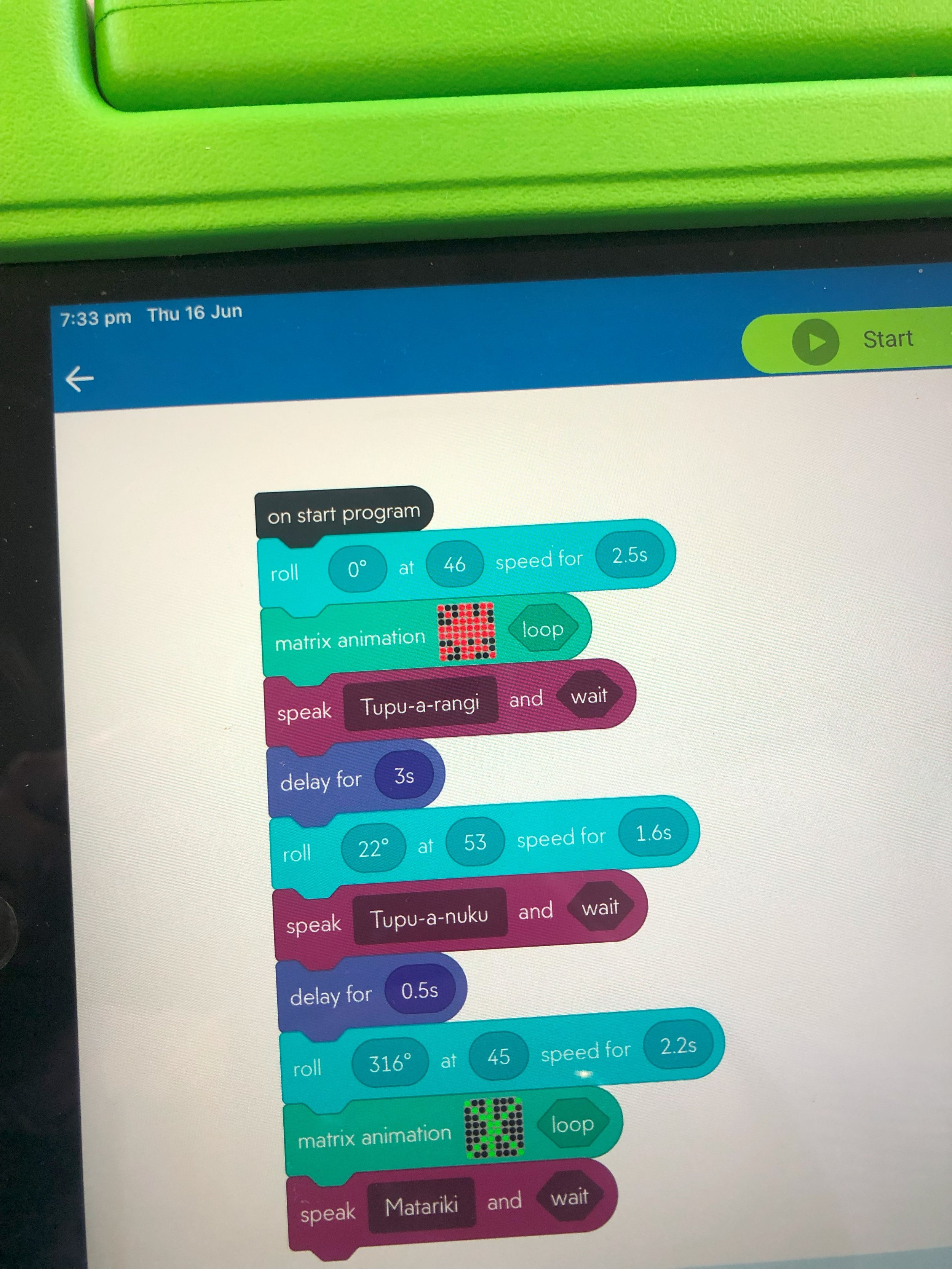
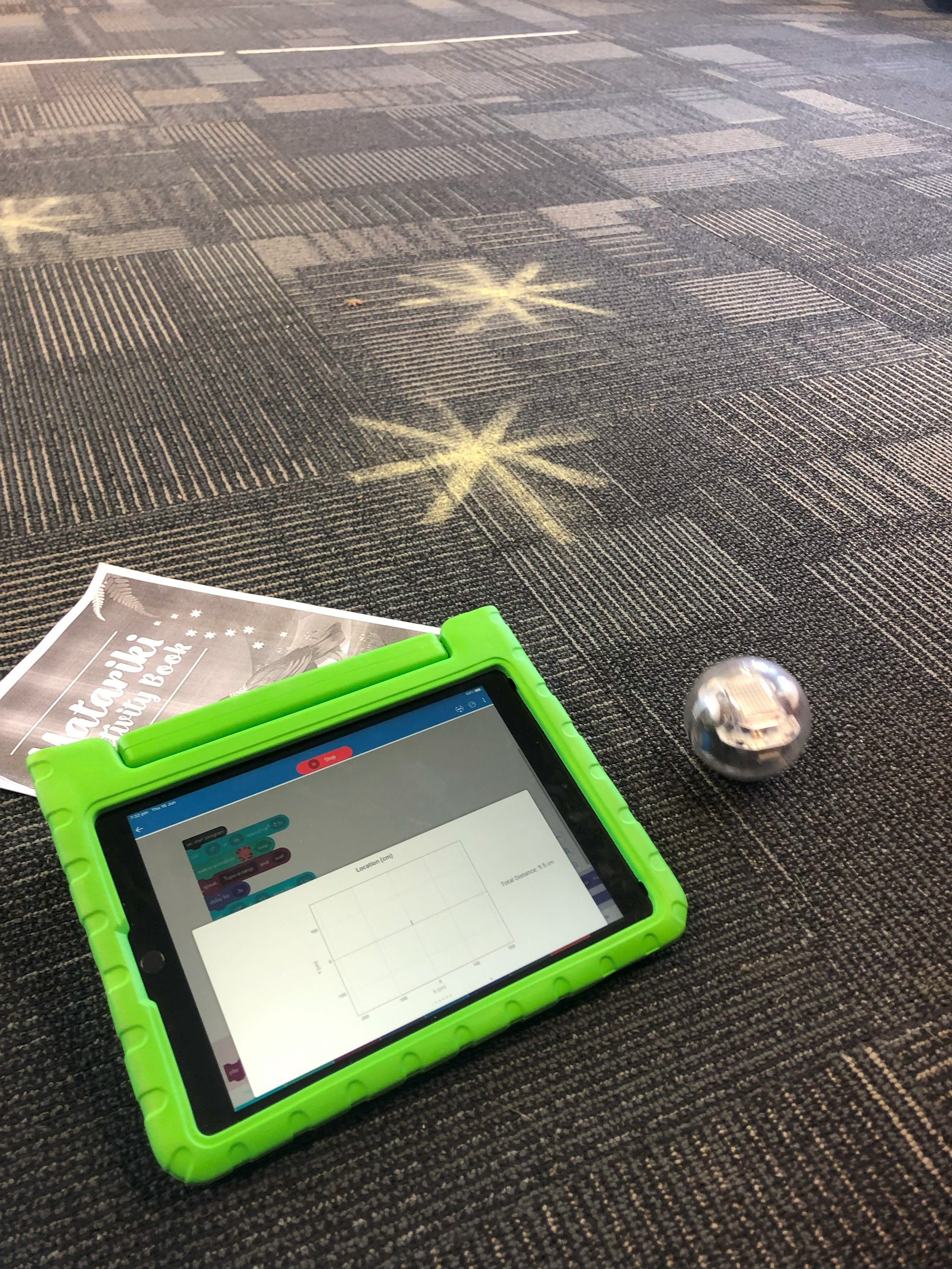
Understanding that the Sphero bot is a digital system that responds to block-based instructions as inputs with movement as output
Planning, entering, and testing basic algorithms
Extending to write a continuous block-based program
Testing and debugging
Understanding that each block represents a step in the algorithm and that together they determine the outcome
[DDDO] = PO1
Using a programmable device purposefully as a digital tool to achieve a specific, meaningful outcome
Making deliberate choices about program parameters
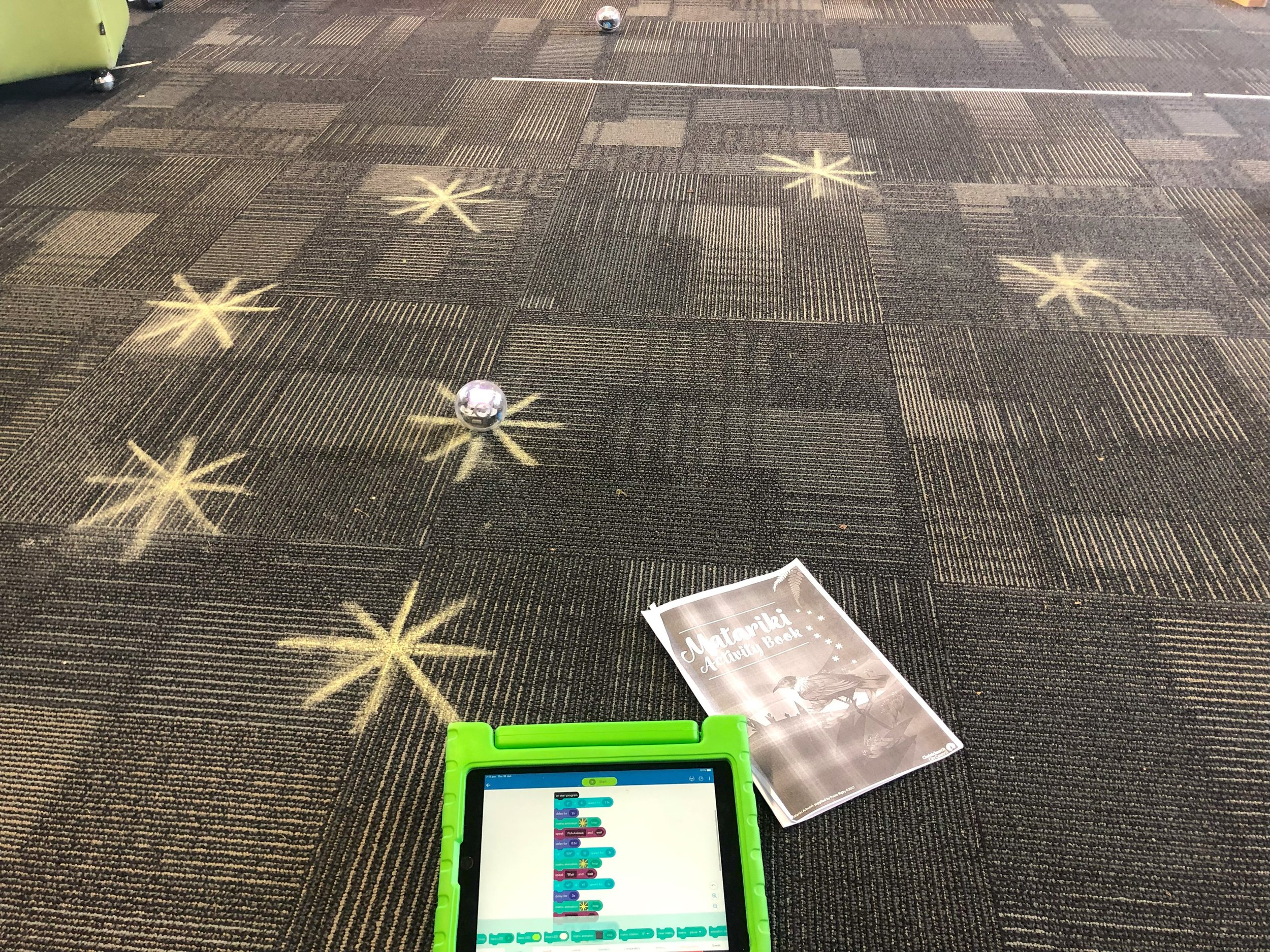
Setting up a physical environment as a purposeful context
Cross-Curricular Links
Social Sciences / Aotearoa NZ Histories
Engaging with the cultural significance of Matariki
Spatial reasoning and measurement, working with angles, distance, and direction to plan and refine movement sequences across a scaled floor grid
Connecting with real astronomical positions and the significance of the Matariki and Puanga cluster in the night sky
Year Levels
Y3-4 (Directed, using the remote control function, focus on cultural context and device interaction)
Y5-6 (Guided, supported planning and debugging)
Y7+ (Independent)
Duration
Y3-4 = 1 lesson
(remote control)
Y5+ = 1+ lessons
(directional coding)
Resources
Differentiation
For younger learners or beginners, use the remote control function to navigate the Sphero bots.
For older or more experienced learners, add the challenge of writing a code to navigate the entire cluster in a continuous travel sequence.
Include obstacles like asteroids or other imaginative space clutter that must be navigated around as well.
About Activity
This is a coding challenge to control the movements of the Sphero bots, in order to navigate the Matariki cluster and visit all nine stars, plus Puanga too!
Learners will use Spero bots to explore the stars of Matariki and Puanga, by mapping them on the floor and interacting with them by guiding their bots through controls, code, and program sequences to visit each one and learn more about them.
Activity Guide
Teachers should consider:
Hardware & Setting Preparation as a pre-lesson task.
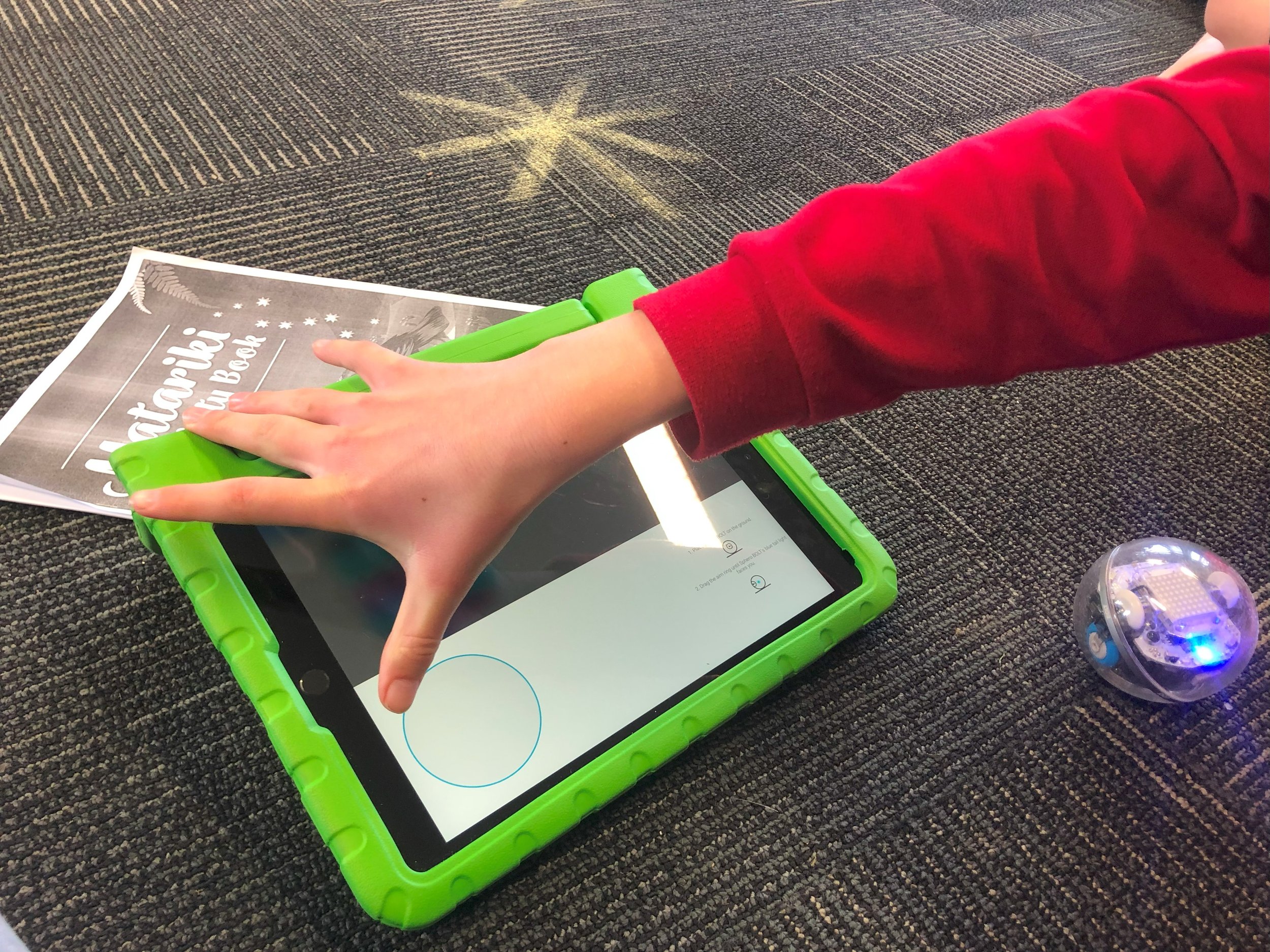
Check that the Sphero Edu app is installed and up to date on school devices before the lesson, and that Bluetooth is enabled. Sphero bots connect via Bluetooth and this may need to be permitted on managed school devices.
If using the web-based version of Sphero Edu, ensure the site is accessible on the school network and that ākonga understand they are using a third-party platform.
Make sure the physical space used for the floor grid is safe, clear of trip hazards, with enough room for the bot to move freely.
Group Assignments and logistics, including student collaboration and content focus.
Digital Safety & Wellbeing to make sure device use is safe, supervised, and purposeful throughout.
General Guidance
Set clear expectations around safe and purposeful device use at the start of each lesson.
Remind ākonga of your school's digital use agreement before beginning any lesson that involves internet research or use of a third-party platform.
Before the activity
Familiarise yourself with Sphero bots and Sphero Edu (edu.sphero.com) and the settings that control how projects are visible publicly and accessible on the platform.
Remind ākonga to handle the Sphero bots carefully and that treating equipment with care is part of responsible digital citizenship.
During the activity
Supervise device use throughout, circulating actively to monitor and support ākonga.
Encourage ākonga to treat Matariki and representations of mātauranga Māori with respect and care as it’s part of a living, culturally significant body of knowledge and practice.
Lesson Progression Guide
Y3-4 | 1 Lesson (Directed, Remote Control)
Lesson 1 — Full Activity
Y5+ | 1+ Lessons (Guided to Independent, Directional Coding)
Lesson 1 — Planning & Programming
Lesson 2 — Debugging, Refinement & Extension